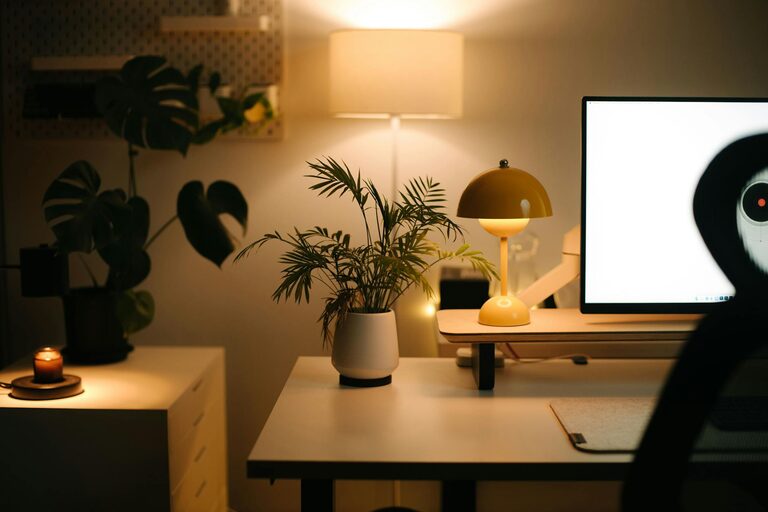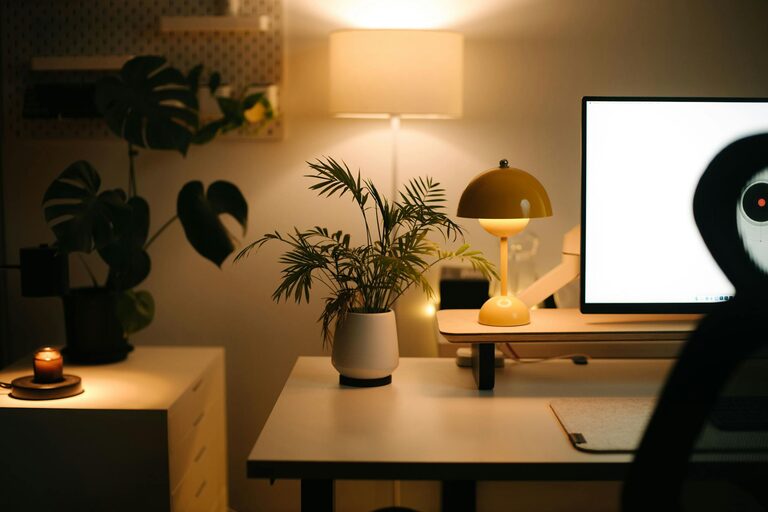
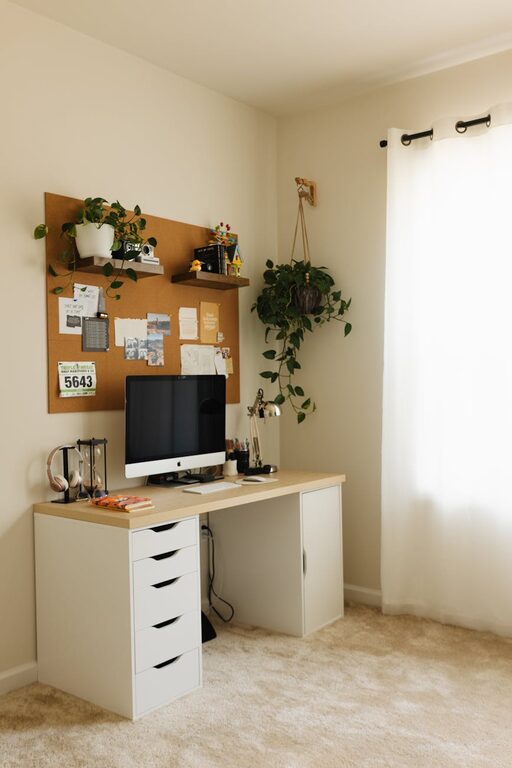
Creating a cozy and productive home workspace can significantly improve your work-from-home experience. Whether you’re a remote worker, freelancer, or someone who occasionally works from home, having a dedicated environment that encourages focus and comfort is essential. This guide will share practical tips to help you set up a home office that balances coziness and productivity.
Why a Comfortable Workspace Matters
A well-designed workspace not only helps you get work done but also supports your well-being. When your environment is comfortable, it reduces stress and minimizes distractions, making it easier to maintain concentration and stay motivated throughout the day.
Choosing the Right Location
Find a Quiet Spot
Start by selecting a place in your home that is quiet and relatively free from interruptions. This could be a spare bedroom, a corner of your living room, or even a nook near a window.
Consider Natural Light
Natural light can boost your mood and energy levels. Try to position your desk near a window to take advantage of daylight without glare on your screen.
Minimize Distractions
Choose a location away from high-traffic areas or noisy appliances. If possible, use room dividers or curtains to create a visual separation from the rest of the home.
Ergonomic Furniture Matters
Invest in a Comfortable Chair
A supportive chair is key to maintaining good posture and avoiding back pain. Look for one with adjustable height, lumbar support, and comfortable cushioning.
Use a Proper Desk
Your desk should be spacious enough to hold your computer, accessories, and any materials you need. Standing desks or adjustable desks are great options if you want the flexibility to change positions during the day.
Position Your Screen Correctly
Place your monitor at eye level to reduce neck strain. Use a monitor stand if needed, and keep your keyboard and mouse within easy reach.
Organize for Efficiency
Declutter Regularly
A tidy workspace can help reduce stress and improve focus. Use cable organizers, drawer dividers, and desk organizers to keep everything in its place.
Prioritize Essential Supplies
Keep frequently used items like pens, notebooks, and chargers close by. Store less-used items out of sight to keep your desk clear.
Create a Filing System
Whether digital or physical, having a system to organize your documents saves time and prevents misplaced papers.
Add Cozy Touches
Incorporate Soft Textiles
Adding a small rug, comfortable cushions, or a cozy throw blanket can make your workspace feel warm and inviting.
Use Plants
Indoor plants not only improve air quality but also add a touch of nature that can reduce stress and boost creativity.
Personalize Your Space
Include photos, artwork, or objects that inspire you, but be careful not to overdo it. Aim for a balance between personalization and maintaining a distraction-free zone.
Manage Lighting Effectively
Combine Natural and Artificial Light
Use a mix of daylight and balanced artificial lighting to reduce eye strain. Adjustable desk lamps with warm light tones work well for focused tasks.
Avoid Glare and Shadows
Position your light sources to minimize screen glare and avoid casting shadows on your work surface.
Establish Boundaries and Routine
Set Clear Work Hours
Define when your workday starts and ends to maintain a healthy work-life balance. Communicate these boundaries to family or housemates.
Take Regular Breaks
Incorporate short breaks to stretch, move around, or relax your eyes. Using techniques like the Pomodoro method can increase focus and productivity.
Keep Work and Leisure Separate
When possible, avoid working from places associated with relaxation, such as your bed or sofa, to mentally separate work from downtime.
Utilize Technology Wisely
Use Noise-Canceling Headphones
If your environment is noisy, headphones can help you concentrate and reduce distractions.
Optimize Your Internet Connection
A fast, reliable internet connection supports smoother virtual meetings and quicker downloads.
Use Productivity Apps
Tools for task management, time tracking, and note-taking can help keep you organized and on track.
Maintain Your Workspace
Regular Cleaning
Dust and clutter can accumulate quickly. Make cleaning your workspace part of your weekly routine.
Adjust as Needed
Your needs may change over time. Don’t hesitate to rearrange or upgrade your workspace to stay comfortable and productive.
—
Creating a cozy and productive home workspace takes some effort but pays off in better focus, comfort, and work satisfaction. By choosing the right location, investing in ergonomic furniture, organizing efficiently, and adding personal touches, you’ll build a space where work feels manageable and even enjoyable. Remember, the ultimate goal is to support your well-being while helping you do your best work.