Creating a cozy and inviting home workspace can make a significant difference in your productivity and overall work satisfaction. Whether you work remotely full-time or occasionally manage tasks from home, having a space that feels comfortable and inspiring encourages focus and creativity. This guide offers practical tips and ideas to help you design a workspace that’s both functional and welcoming.
Why a Cozy Workspace Matters
A workspace isn’t just about the desk and chair. It’s where ideas form, tasks get completed, and ultimately where your work-life balance finds a home. A cozy and inviting environment reduces stress, improves concentration, and enhances motivation. When your workspace feels good to be in, work becomes less of a chore, and you’re more likely to enjoy your day.
Choosing the Right Location
Start by picking a spot in your home that suits your work style and needs.
– Natural Light: Select a place near a window if possible. Natural light wakes up the mind and reduces eye strain.
– Quietness: Consider an area away from noisy household traffic to minimize distractions.
– Space: Ensure there is enough room for your desk, chair, and any equipment or supplies.
If space is limited, a small nook or corner can work well with the right setup.
Selecting Comfortable Furniture
Comfort is key in a workspace that invites you to stay productive for hours.
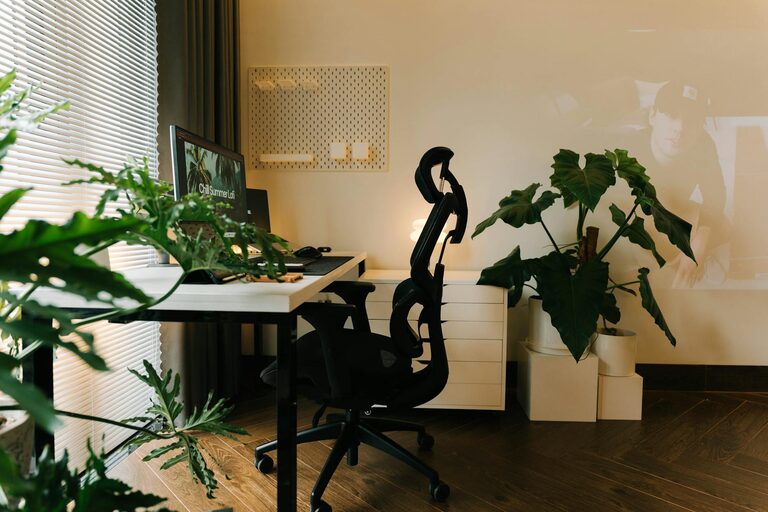
– Ergonomic Chair: Invest in a chair that supports good posture. Adjustable height and lumbar support help prevent discomfort.
– Desk: Choose a desk at the right height with enough surface area. If you like to alternate between sitting and standing, consider a sit-stand desk option.
– Additional Seating: A small lounge chair or cushioned stool can add variety and comfort for reading or brainstorming.
Personalizing Your Space
Personal touches make your workspace feel welcoming and uniquely yours.
– Colors: Choose calming colors like soft blues, greens, or warm neutrals. These tones promote relaxation and focus.
– Artwork and Photos: Hang inspirational art or photographs that bring you joy.
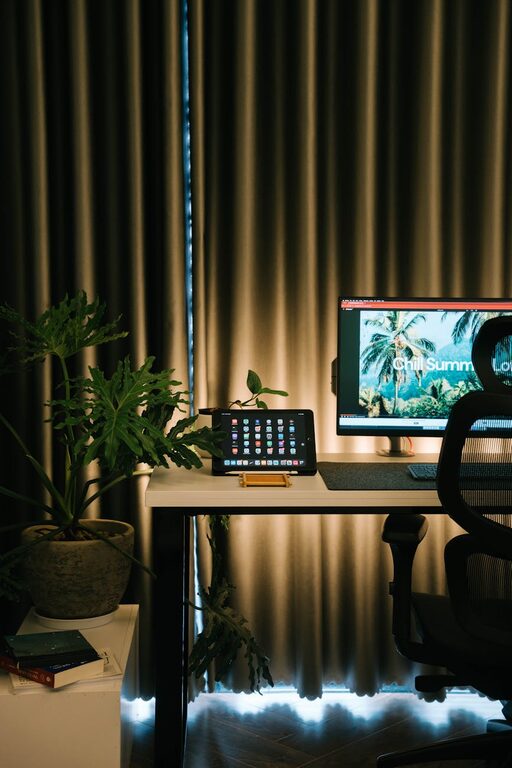
– Plants: Houseplants don’t just freshen the air; they also add life and a sense of calm.
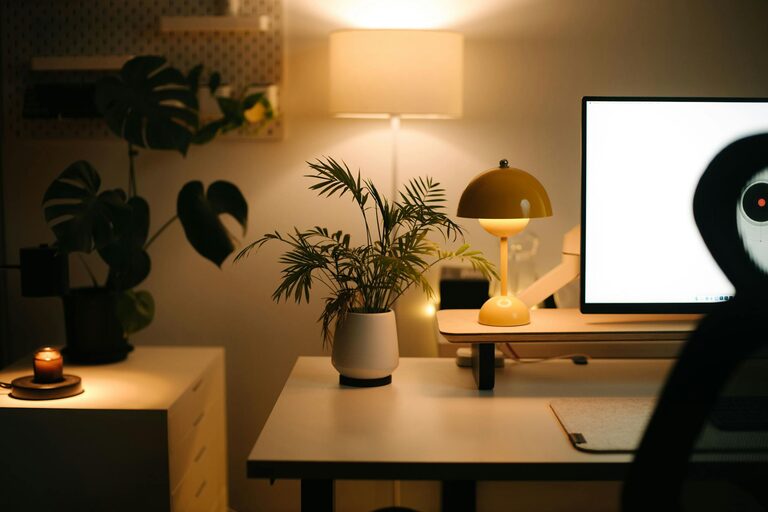
– Decor: Small items such as a cozy throw blanket, a decorative lamp, or a favorite mug can enhance the atmosphere.
Organizing for Efficiency
A clutter-free workspace helps clear your mind and saves time.
– Storage Solutions: Use shelves, bins, or drawer organizers to keep supplies neatly stored.
– Desk Accessories: Choose simple organizers for pens, papers, and gadgets to minimize mess.
– Cable Management: Use clips or sleeves to avoid tangled cords.
– Daily Reset: Spend a few minutes at the end of each day tidying up to start fresh tomorrow.
Lighting Tips for Warmth and Focus
The right lighting balances comfort and productivity.
– Layered Lighting: Use a combination of natural light, overhead lights, and task lighting.
– Desk Lamp: A quality desk lamp with adjustable brightness reduces eye strain on detailed work.
– Warm Bulbs: Opt for bulbs with a warm white glow rather than harsh blue tones to create a cozy ambiance.
– Avoid Glare: Position screens and lights to minimize glare that can cause headaches.
Creating Zones in Your Workspace
If your workspace allows, try dividing areas for different tasks.
– Work Zone: Your desk setup should be focused on daily tasks and computer work.
– Reading or Thinking Zone: A comfortable chair with a small table can be your space for reading, brainstorming, or phone calls.
– Supply Zone: Keep your frequently used materials within arm’s reach, but not cluttering your immediate workspace.
Incorporating Technology Thoughtfully
Tech tools should support comfort, not add stress.
– Monitor Height: Position screens at eye level to avoid neck strain.
– Noise-Canceling Headphones: Great for blocking distractions when needed.
– Wireless Devices: Reduce cable clutter by opting for wireless keyboards or mice.
– Charging Station: Set up a dedicated spot for charging devices to keep cords organized.
Setting Boundaries and Routines
A cozy workspace also depends on how you use it.
– Work Hours: Define clear working times to separate work from personal life.
– Break Areas: Step away regularly to stretch or relax—even if it’s just a few minutes.
– Minimal Interruptions: Use a sign, closed door, or headphones to signal when you need uninterrupted focus.
Final Thoughts
Designing a cozy and inviting home workspace is about balancing functionality with comfort and personality. Small changes—from adding a plant to improving lighting—can create a more pleasant environment that encourages productivity and well-being. Take time to tailor your space to your needs and preferences. With the right setup, your home workspace will be a place you look forward to working in every day.