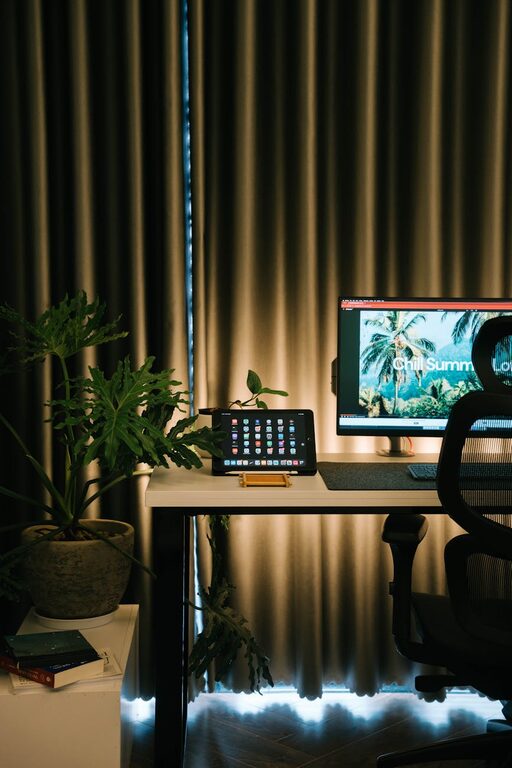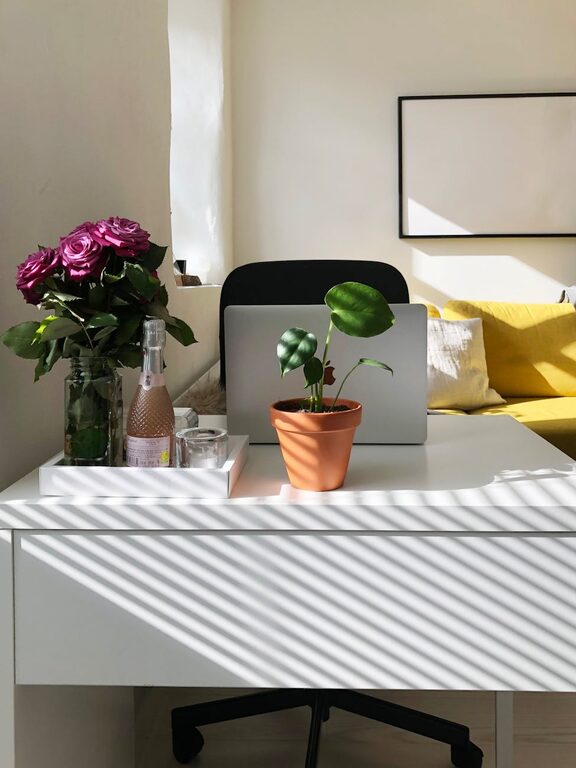
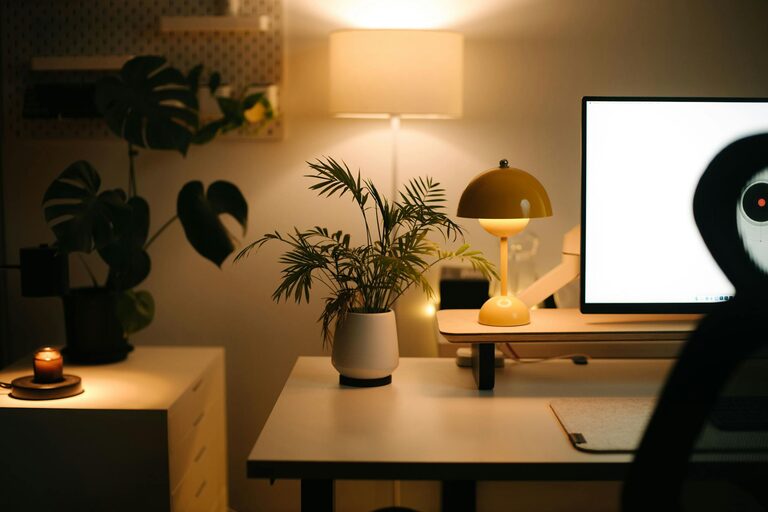
Creating a home office that blends comfort with productivity is essential for anyone working remotely or spending significant time on their own projects. A well-designed workspace can boost your focus, reduce stress, and make daily tasks more enjoyable. Here are some helpful tips to turn any corner of your home into a cozy, productive office space.
Choose the Right Location
Picking the right spot to set up your home office is the first step. Ideally, select a quiet area away from high-traffic zones. This reduces distractions and helps you mentally separate work from home life.
– Look for natural light: A space near a window not only lifts your mood but also reduces eye strain.
– Consider noise levels: Avoid areas near noisy appliances or busy rooms.
– Space matters: Ensure there is enough room for your desk, chair, and storage without feeling cramped.
Invest in Comfortable Furniture
Comfortable furniture is vital for maintaining good posture and avoiding fatigue during long work hours.
Desk
Choose a desk that fits your work style. If you use multiple monitors or paper documents, a larger surface will be necessary.
Chair
An ergonomic chair supports your back and encourages good posture. Look for adjustable features such as seat height, lumbar support, and armrests.
Additional Seating
If space permits, include a secondary, cozy chair for breaks or brainstorming sessions.
Optimize Lighting
Proper lighting affects both your productivity and your eye health.
– Use a mix of natural and artificial lights.
– Position your desk perpendicular to a window to avoid glare on the screen.
– Add a desk lamp with adjustable brightness to illuminate paperwork.
Organize Efficiently
A cluttered desk leads to a cluttered mind. Keep your workspace tidy with smart organization.
– Use drawer organizers for small items like pens and paper clips.
– Add shelves or filing cabinets to store documents and supplies.
– Utilize cable management tools to keep cords neat.
Personalize Your Space
Adding personal touches can make your office feel inviting and reduce stress.
– Display photos, art, or inspirational quotes.
– Incorporate plants for a touch of nature, which improves air quality and mood.
– Choose a color scheme that calms and motivates you, such as soft blues or warm neutrals.
Minimize Distractions
Creating boundaries helps maintain focus during work hours.
– Use noise-canceling headphones or play background music if it helps concentration.
– Set clear work hours to avoid interruptions from household members.
– Turn off non-essential notifications on your devices.
Take Breaks Effectively
Even in a productive space, breaks are essential for maintaining energy.
– Step away from your desk every hour to stretch or walk around.
– Use a timer or app as a reminder to take short breaks.
– Consider a small area dedicated to relaxation or quick exercises.
Keep Technology Efficient and Up-to-Date
Your tech tools should support your work, not frustrate it.
– Ensure you have a reliable internet connection.
– Invest in a good quality webcam and microphone if you attend virtual meetings.
– Regularly update software and hardware to avoid technical problems.
Maintain Ergonomics
Proper ergonomics prevent strain and injury.
– Your computer screen should be at eye level.
– Keep your wrists straight when typing.
– Footrests or adjustable desk heights help align your posture.
Final Thoughts
Designing a home office that is both cozy and productive requires careful thought about location, furniture, lighting, and organization. By following these tips, you can create a space that not only looks inviting but also supports your focus and efficiency. Remember, the best home office is one tailored to your unique needs and habits, so feel free to experiment until you find what works best for you.
With a cozy and well-arranged office, your work-from-home days can become more enjoyable and successful. Happy decorating!