Creating a home workspace that feels cozy and stays organized is essential for productivity and well-being—especially if you spend a lot of time working from home. A tidy, inviting space helps reduce distractions and keeps you focused, while a warm and personal touch makes your workday more enjoyable. In this post, we’ll explore simple, practical tips to transform any corner of your home into a comfortable and clutter-free workspace.
Choose the Right Spot
Find Natural Light
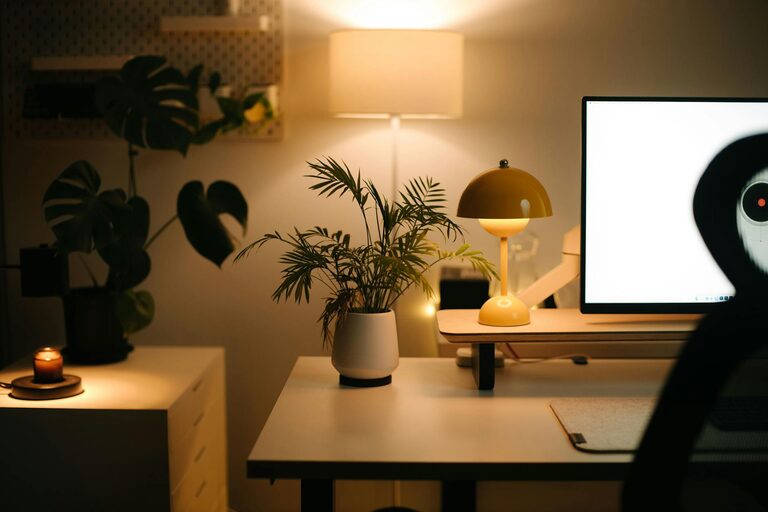
Natural light can brighten your mood and improve your focus. Try to set up your workspace near a window or a spot with good daylight. If natural light is limited, invest in a soft, warm desk lamp to create a cozy atmosphere without harsh glare.
Minimize Noise and Distractions
Pick a quiet area where you can concentrate. If noise is unavoidable, consider noise-cancelling headphones or a white noise machine to help you stay focused.
Invest in Comfortable Furniture
Ergonomic Chair and Desk
Comfort is key for long work hours. Choose an ergonomic chair that supports your back and encourages good posture. Your desk should be at a height where your arms rest comfortably while typing. Standing desks or adjustable desks are also great options to vary your position.
Add Soft Elements
Consider adding a cushion or a cozy throw blanket to your chair for extra warmth. A small rug can also make the space feel inviting and help reduce noise.
Keep It Organized
Declutter Regularly
Start by removing anything you don’t use or need from your workspace. Clutter can be distracting and stressful, so keep only essential items within reach.
Use Storage Solutions
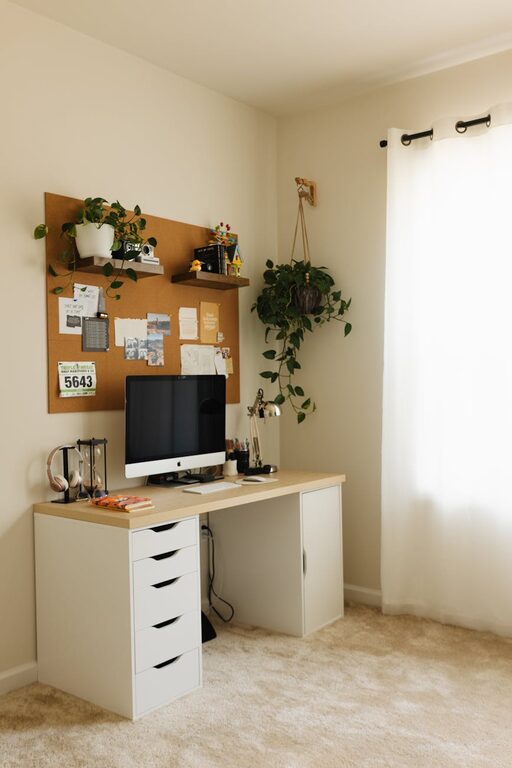
Use drawers, shelves, and organizers to keep your supplies tidy. Desk organizers with compartments can help you sort pens, paper, and other frequently used items, making your workspace look neat and accessible.
Cable Management
Messy cables can spoil the look and cause inconvenience. Use cable clips, ties, or cable sleeves to keep cords organized and out of sight.
Personalize Your Space
Add Plants
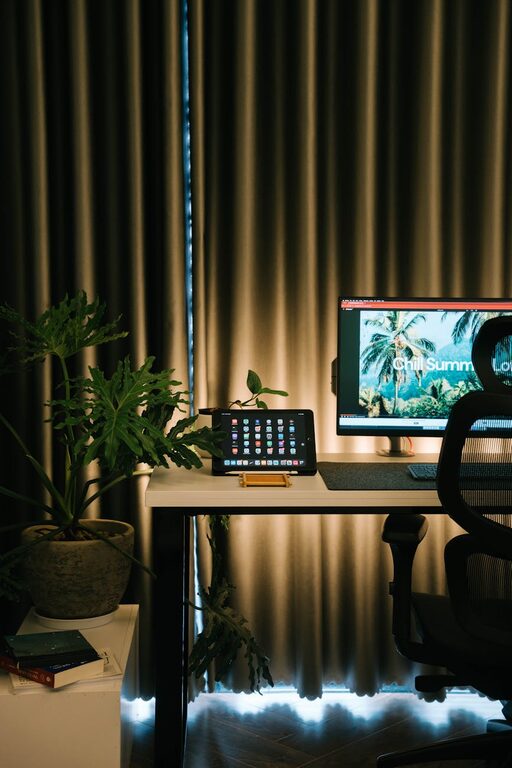
Plants bring life to any space and can improve air quality. Choose easy-to-care-for plants like succulents, snake plants, or pothos to add greenery without much upkeep.
Display Inspiring Items
Include a few personal touches such as photos, artwork, or motivational quotes. These elements help make your workspace feel uniquely yours and can boost your mood throughout the day.
Optimize Lighting and Screen Setup
Adjustable Lighting
Good lighting reduces eye strain. Besides natural light and desk lamps, consider ambient lighting such as floor or table lamps for a layered lighting approach.
Screen Position
Your computer screen should be at eye level to prevent neck strain. Use a monitor stand or adjustable arm if needed to position your screen comfortably.
Create a Routine and Break Space
Set Up a Routine
Organize your work hours and breaks to maintain focus and avoid burnout. A tidy workspace supports this routine by eliminating distractions.
Designate a Break Area
If possible, have a separate spot in your home dedicated to breaks and relaxation. Moving away from your desk during breaks helps your mind refresh.
Maintain Cleanliness
Daily Tidying
Spend a few minutes each day tidying your workspace. Put things back in their places and wipe surfaces to keep your area inviting and ready for the next day.
Deep Cleaning Weekly
Set aside time weekly to clean more thoroughly, including vacuuming or dusting shelves and equipment. A clean workspace supports better health and productivity.
—
By following these simple tips, you can create a home workspace that is both cozy and organized. A thoughtfully arranged space not only looks good but also supports your focus, health, and overall happiness while working from home. Remember, the best workspace is one that fits your needs and makes you feel comfortable throughout your workday.